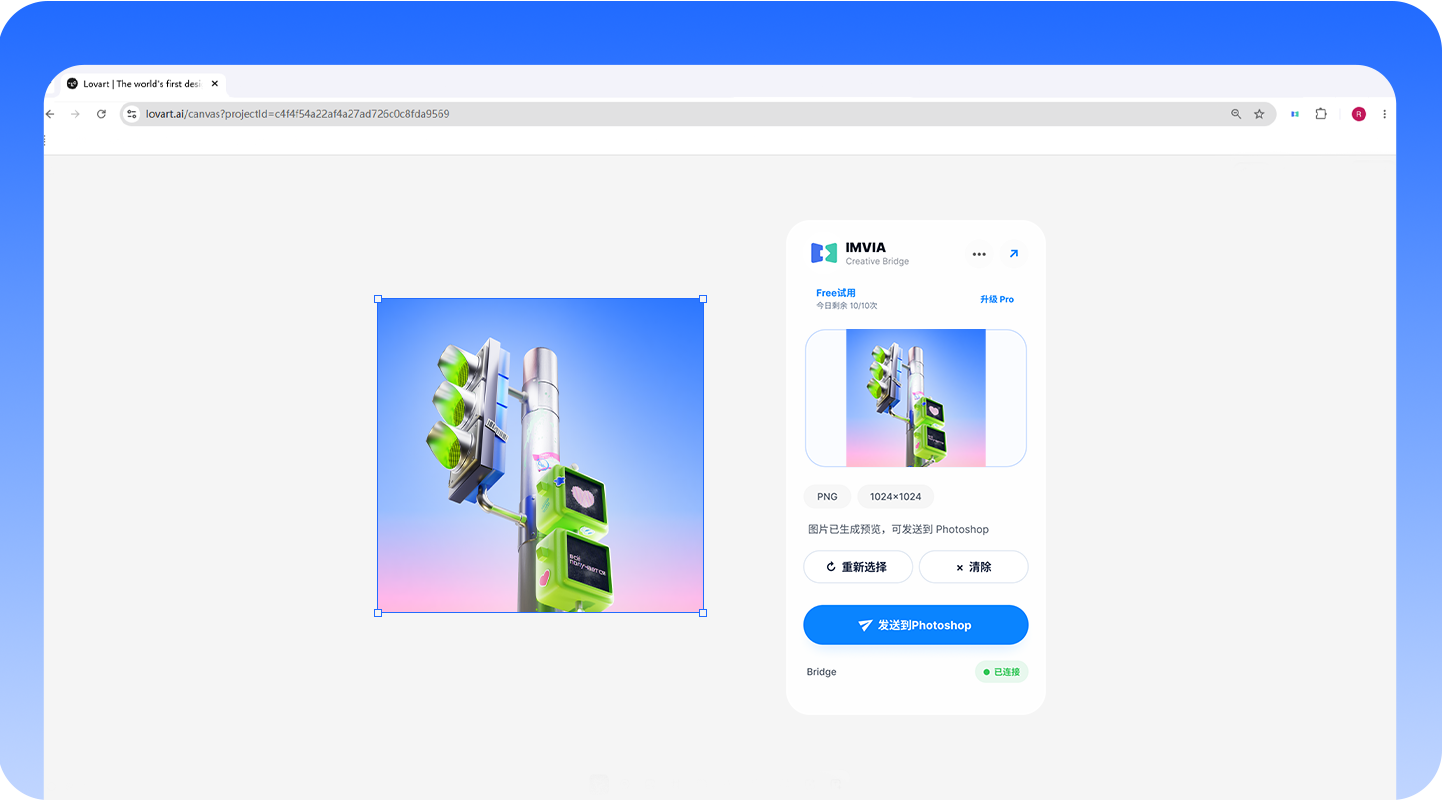
Select browser imagesSend to Photoshop in one click
Web assets can go to Photoshop, Figma, Sketch, any web page, or Eagle. Huaban and Pinterest are source-only.
 IMVIA Creative Bridge
 Send AI images to Photoshop, Figma, or Sketch in one click, then bring refined work back to the web to keep creating. IMVIA connects browser AI canvases with Photoshop, Figma, and Sketch through a local Bridge.
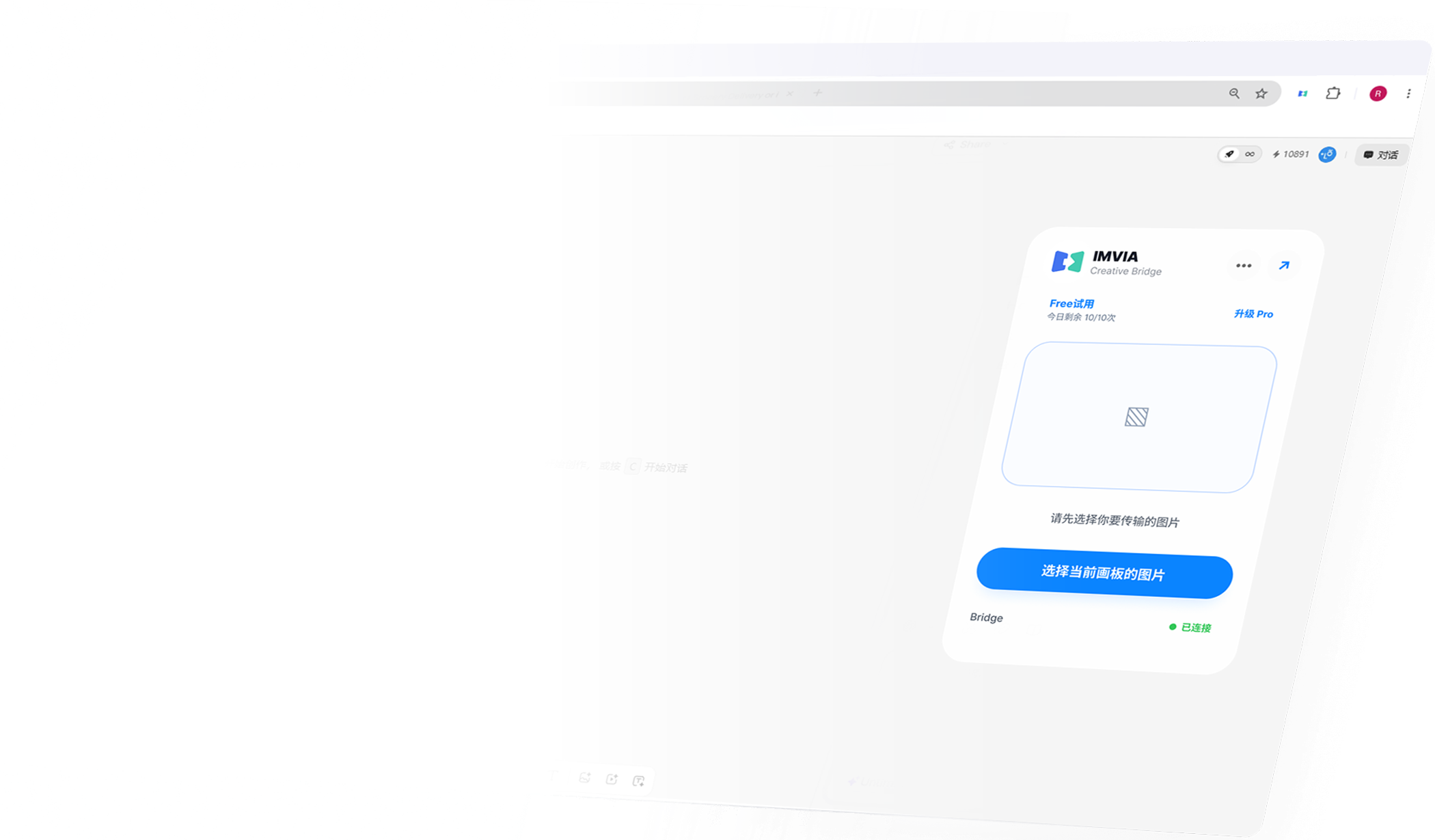
Web assets can go to Photoshop, Figma, Sketch, any web page, or Eagle. Huaban and Pinterest are source-only.
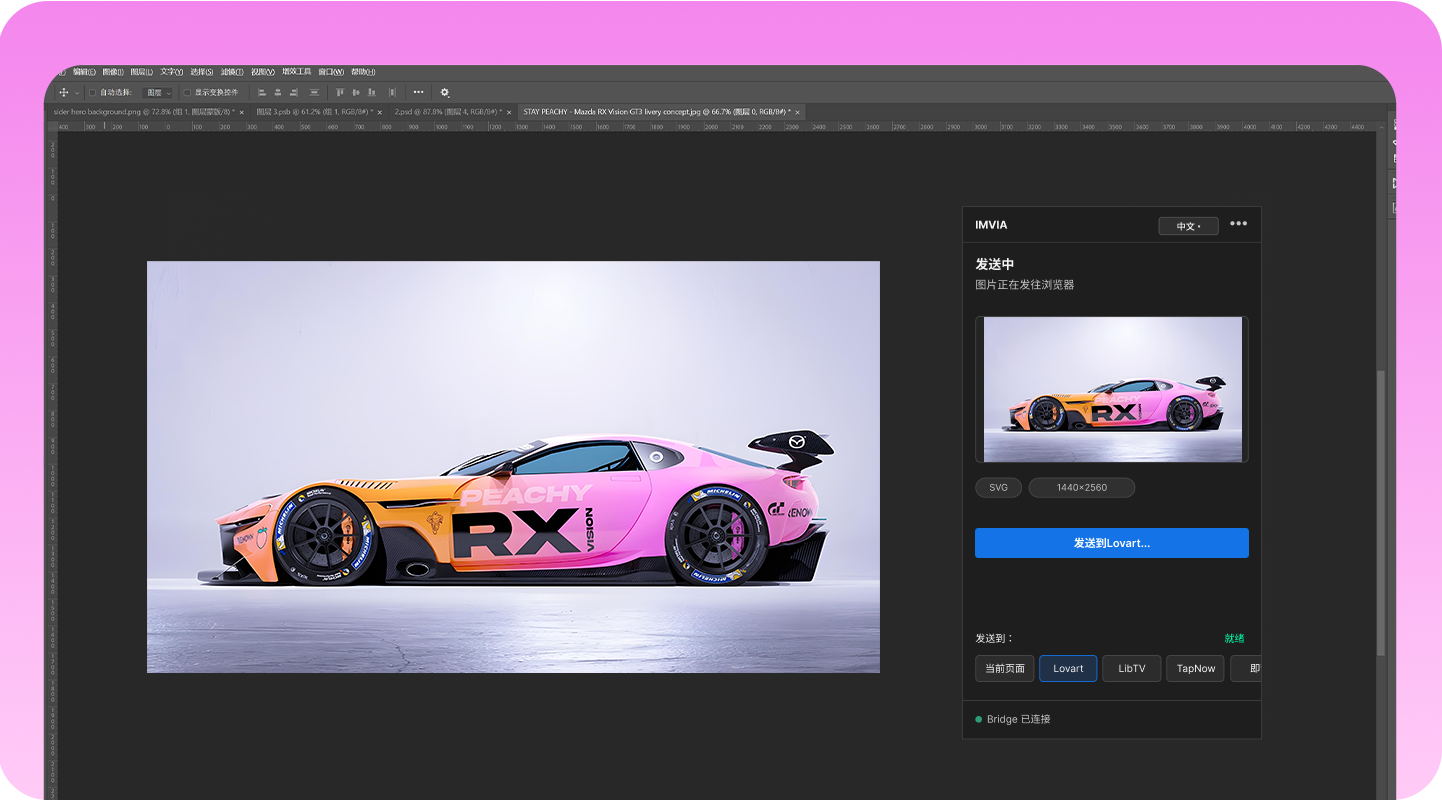
Select layers to transfer, including shape layers, smart objects, rasterized layers, and transparent layers.
The current version supports web to Photoshop, Figma, and Sketch; web to any web page; and Photoshop, Figma, and Sketch to any web page, with Huaban and Eagle added. Huaban and Pinterest are source-only.







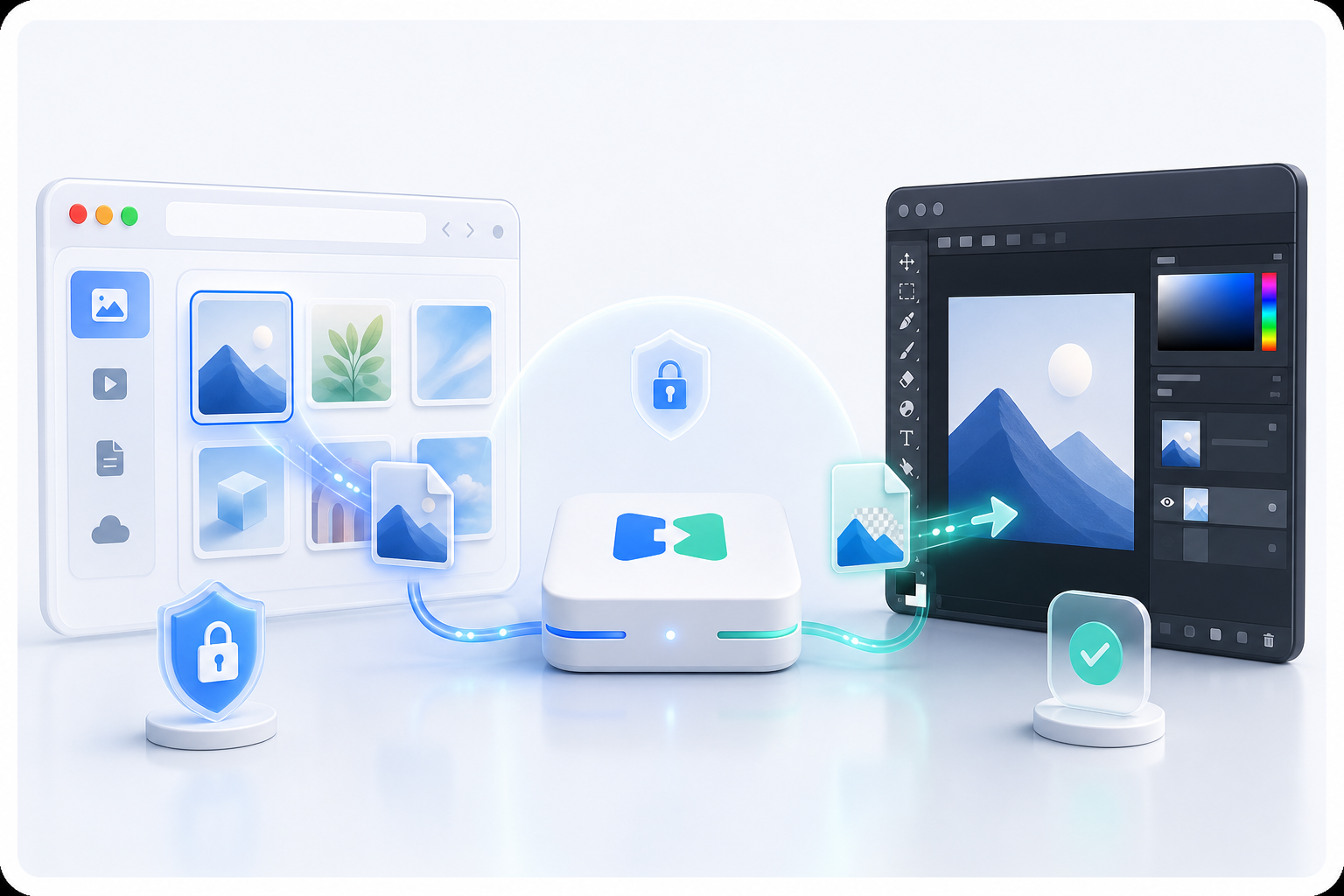
Images, PSD files, and design assets are not uploaded. Cloud APIs only handle activation and license checks.
IMVIA does not read third-party website cookies or tokens, bypass logins, payments, uploads, or quota limits. It only handles assets you explicitly select or send.
Read privacy policy