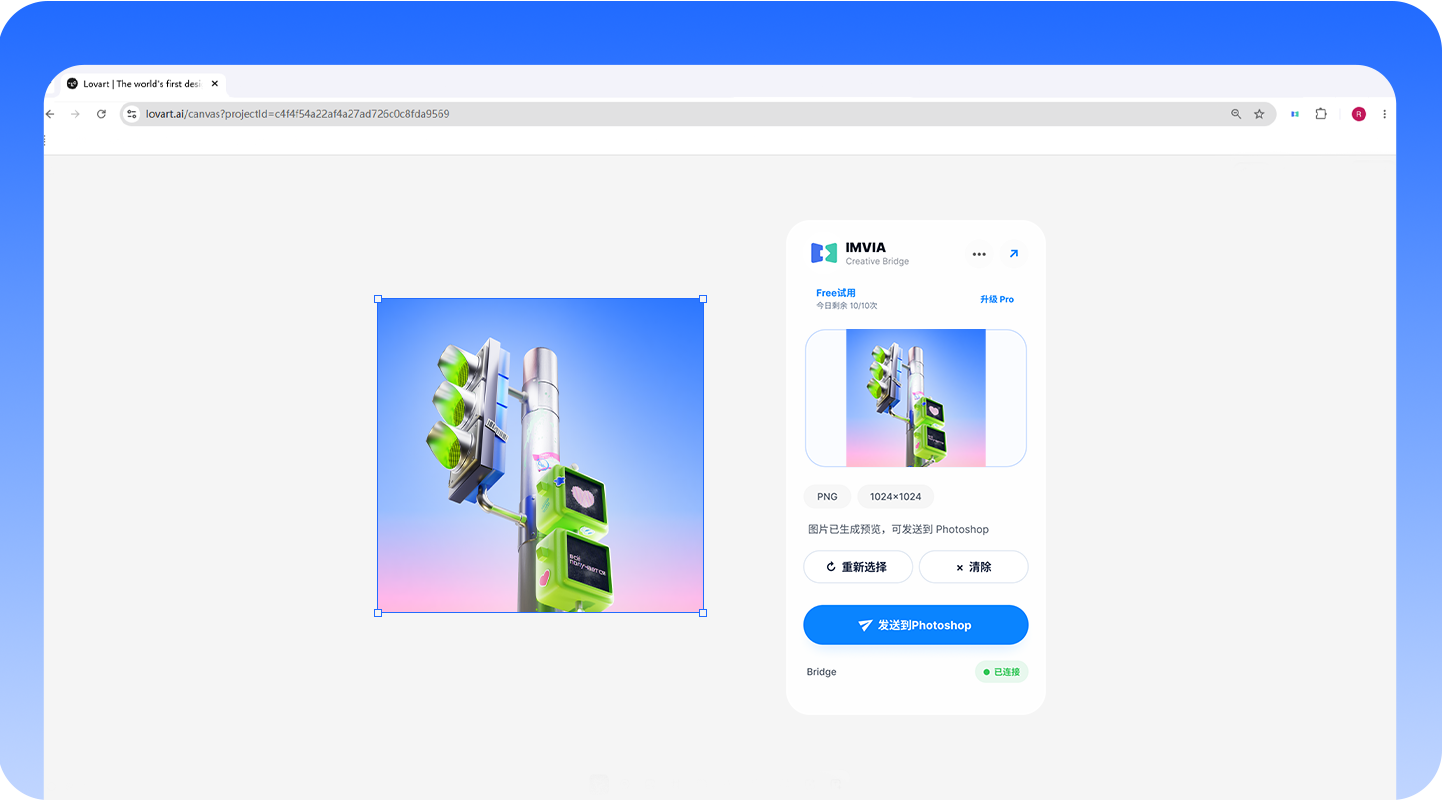
Select browser imagesSend to Photoshop in one click
Two-way return transfer supports infinite-canvas workflows in Lovart, TapNow, LibTV, Jimeng, and Xingliu.
 IMVIA Creative Bridge
 Select in the browser, pass through the local Bridge, and receive directly in Photoshop. Photoshop can also send results back to supported websites.
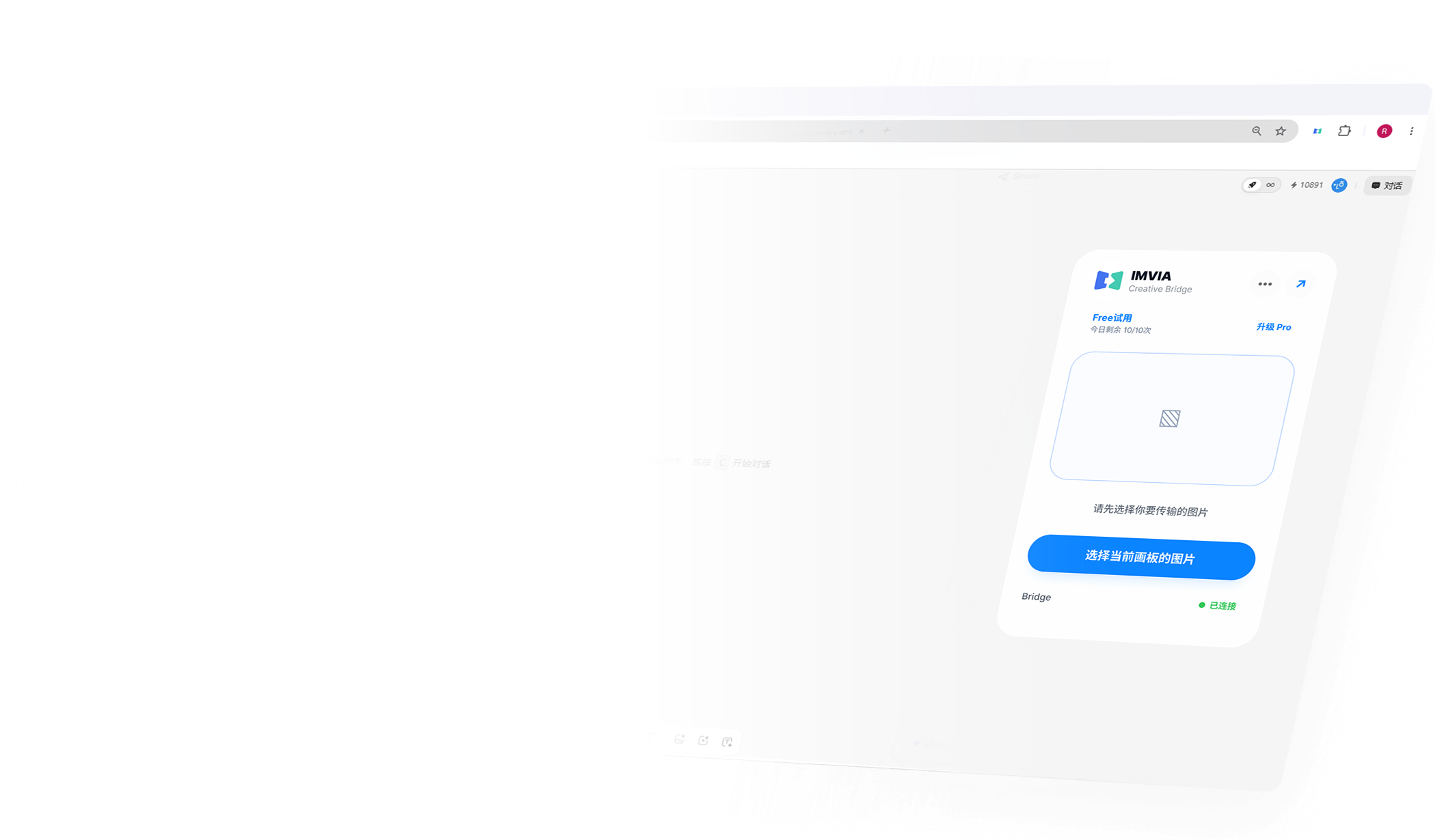
Two-way return transfer supports infinite-canvas workflows in Lovart, TapNow, LibTV, Jimeng, and Xingliu.
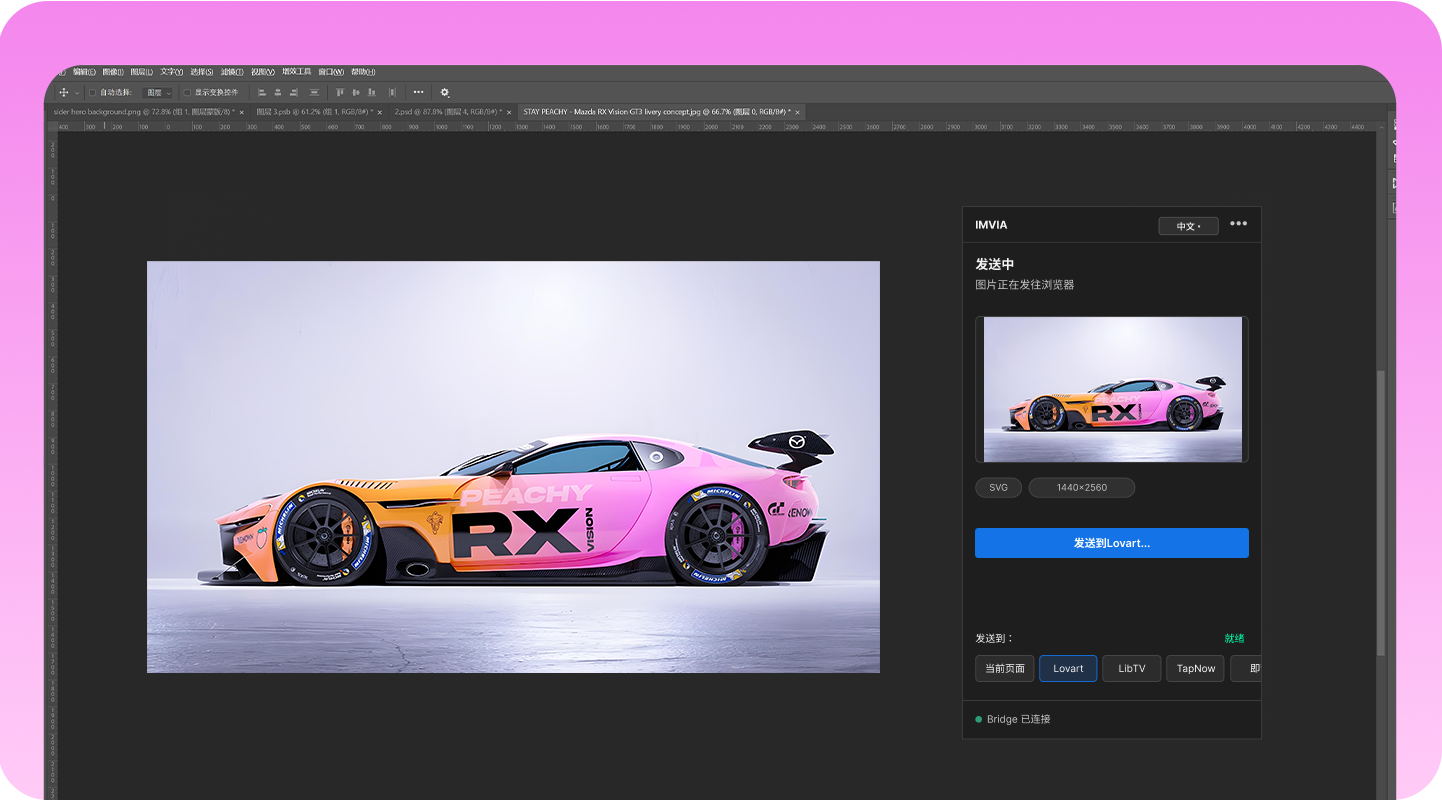
Select layers to transfer, including shape layers, smart objects, rasterized layers, and transparent layers.
Two-way transfer is adapted for Lovart, LibTV, TapNow, Jimeng, and Xingliu. One-way transfer is adapted for Pinterest, Liblib, Gemini, ChatGPT, Kling AI, and MJ.




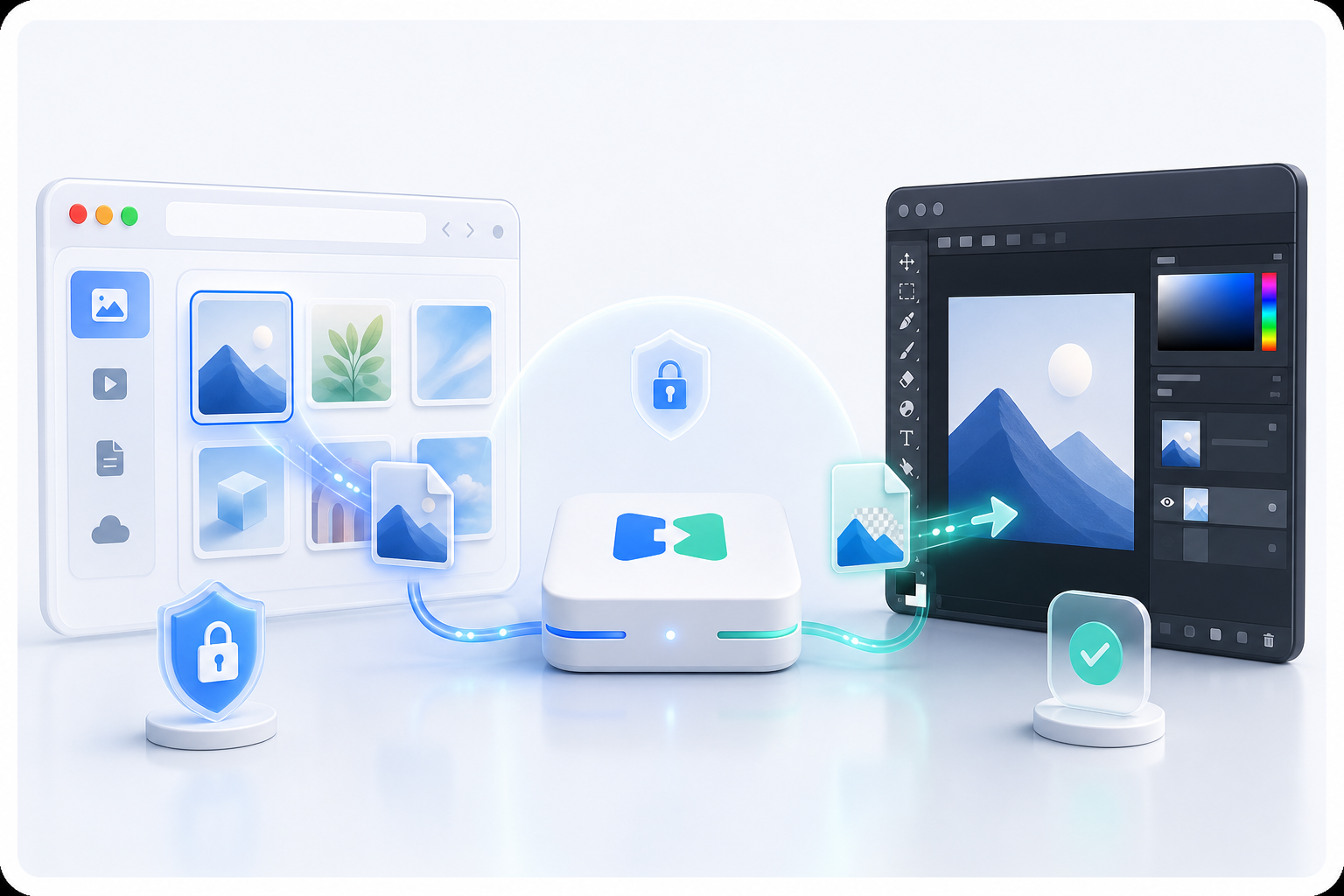
Images, PSD files, and design assets are not uploaded. Cloud APIs only handle activation and license checks.
IMVIA does not read third-party website cookies or tokens, bypass logins, payments, uploads, or quota limits. It only handles assets you explicitly select or send.
Read privacy policy